

DoodlePop
3D Pen KitA gift that turns their doodles into things they can hold.
- Draw in 3D
- Templates
- Screen-free
Couldn't load pickup availability
- Draw in 3D
- Starter templates
- USB rechargeable
For the kid who’s always drawing. Give them a screen-free way to turn their doodles into things they can hold.
Good questions.
What comes in the box?
One rechargeable 3D pen in pink or blue, assorted filament, starter templates, a drawing mat, a USB cable, an unclogging pin, and a user guide.
What can they make first?
Start with a simple shape from the included templates. Once they get the hang of tracing, try joining flat pieces to make something that stands up on its own.
How long does a charge last?
A full charge lasts about 30–40 minutes and takes about 30 minutes to recharge. Use the pen once it’s unplugged.
What if the pen won’t turn on or charge?
Switch the pen off to charge and check the cable connection. The indicator is red while charging and green when fully charged. The supplier specifies a 5V USB power source rated at 1A or 2A. Unplug the pen before turning it on. If it still won’t start, contact us with your order number.
What if the filament gets stuck?
Let the pen finish preheating and try a fresh piece of filament if the current one is bent or rough. If it still won’t feed, follow the user guide’s jam-clearing instructions or contact us for help.

DoodlePop Filament
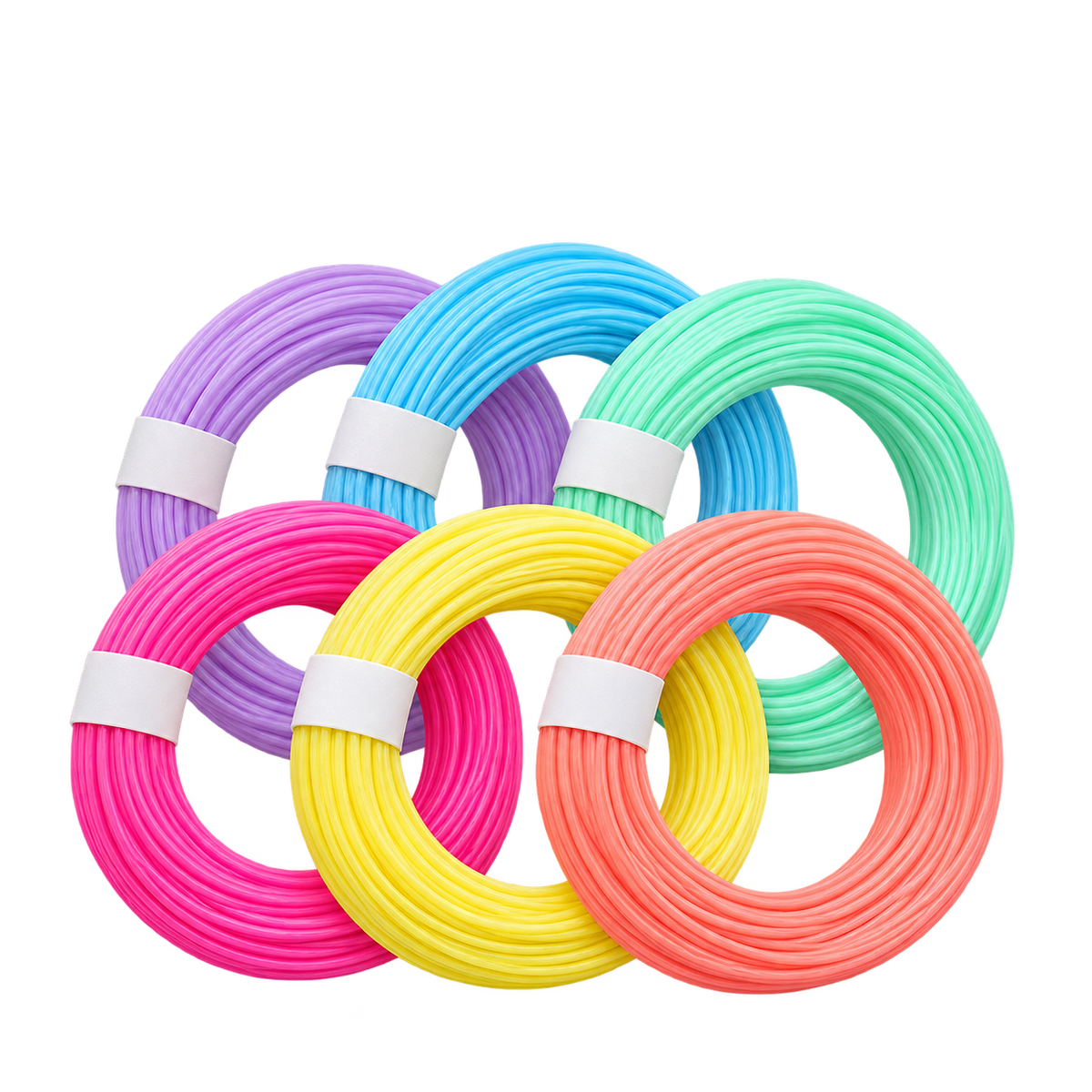


Their doodles.
Now in 3D.
For the kid who’s always drawing. DoodlePop lets them turn a few lines into a little rocket, a flower, or something they dreamed up on the spot.
- Screen-free play
- Starter templates
- USB rechargeable

From a line to their first build.
Try the first template together. Once they can trace a shape, they can start connecting pieces and making designs of their own.
-
Pick a color
Let the pen preheat, then load a strand of filament.
-
Trace a shape
Follow the outline on a starter template to make a flat piece.
-
Join the pieces
Use the pen to connect the edges and build a shape that stands.
What can they make?
Three ideas to try as they get comfortable with the pen.
- A flower. Trace petals and give each one a different color.
- A little cube. Make flat squares, then join them at the edges.
- A rocket. Try a body, a window, and fins in different colors.
A gift you can open and make together.
Pick a color each and make a flower or a little sign for their room. It gives you something to do together as soon as the pen is charged.
Inside the box.
- One rechargeable 3D pen in your choice of pink or blue
- Assorted filament colors, starter templates, and a drawing mat
- USB charging cable, unclogging pin, and user guide
Good questions.
Does it use ink?
It uses colored filament. The kit includes assorted colors to get started.
How long does a charge last?
About 30–40 minutes per full charge. Recharging takes about 30 minutes. Unplug the pen before using it.
What if the pen won’t turn on or charge?
Turn the pen off and check the cable connection. The indicator is red while charging and green when fully charged. Unplug the cable before turning the pen on. If it still won’t start, contact us with your order number.
What if the filament won’t feed?
Let the pen finish preheating. If the filament is bent or rough, try a fresh piece. If it still won’t feed, follow the jam-clearing instructions in the user guide or contact us.